 xpanda
01MOVE MONEY
Send it where it needs to go.
Send to another Xpanda user or a bank account from one place. Review the recipient and amount before you confirm, then follow the transfer in your activity.
Send money, pay everyday bills, check crypto rates and find help without jumping between apps. Xpanda brings the things you do with money into one clear place.
Real app preview. Balance hidden for privacy.
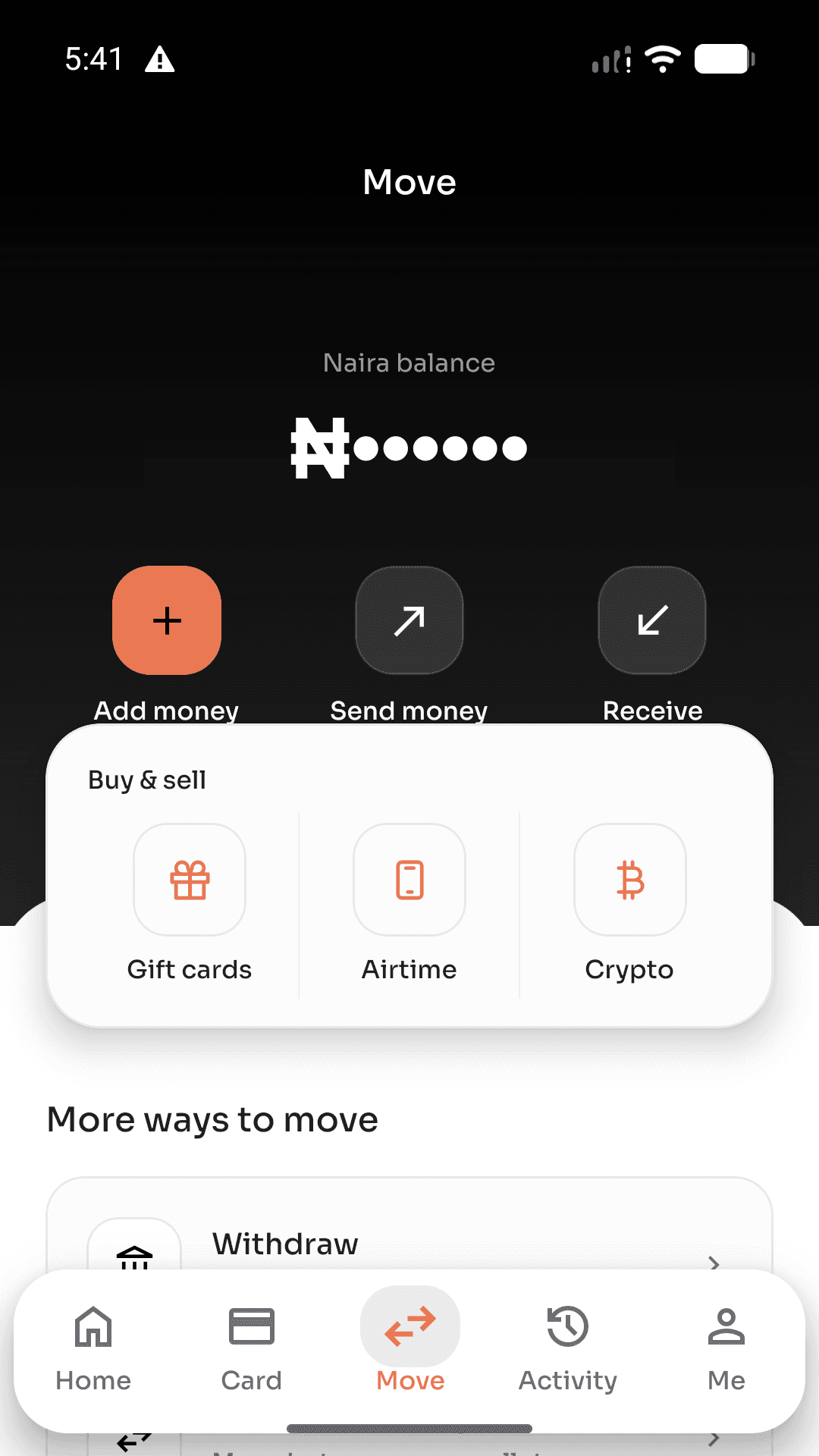
Money does not stay in one lane. Neither should the app you use to manage it. Start with the everyday essentials, then explore the options that fit your life.
Send to another Xpanda user or a bank account from one place. Review the recipient and amount before you confirm, then follow the transfer in your activity.
Buy airtime or data, pay for electricity and cable TV, and find other everyday services without switching between apps or starting a new process each time.
See supported digital assets and their current rates in naira before you decide what to do. Buy, sell and swap flows keep the important details in view.
Explore gift-card options in the same app you use for payments and transfers. Clear steps help you know what information is needed before you submit.
Browse eSIM data options from your phone when you are planning a trip. See the plan details before choosing what fits your destination and device.
Start a support chat in the app, choose a common topic or explain the issue in your own words. Your conversation stays in one place so it is easy to return to.
Services and eligibility can vary. The app shows what is available to your account before you proceed.
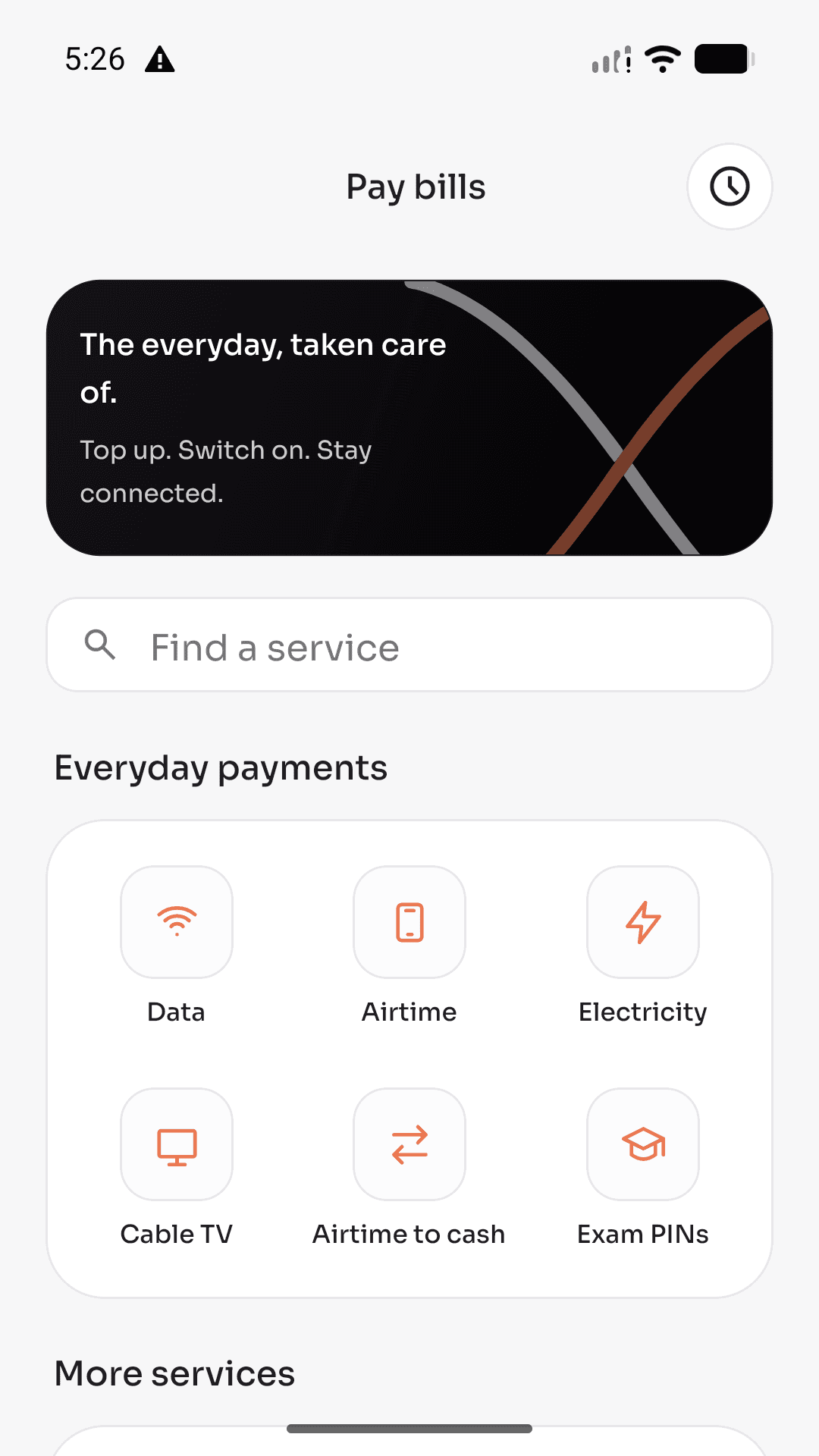
Airtime for the next call. Data for the next meeting. Electricity, cable TV and exam PINs when they are due. The Pay bills page puts familiar services in one easy-to-scan place.
Find a service, choose the right option and review what you are paying for. Your completed payments stay in Activity, so you can find the details later without digging through messages.
A simple path through the important parts of your account, without hiding the details you need to make a decision.
Create an account, complete the details we need and follow the identity steps shown in the app. Your verification level determines which services are available to you.
Add money, send it, pay a bill or explore a rate. Each flow is designed to show the recipient, price or service details before the final confirmation.
Return to Activity for a record of your transactions and open a receipt when you need the details. If something needs attention, support is available from the app.
Crypto decisions are easier when the numbers are clear. Browse supported assets, compare the rates shown in naira and dollars, and see the relevant details before you buy, sell or swap.
It is still your decision. Xpanda gives you a direct path from exploring a rate to reviewing a trade, with your activity kept close by when you want to check what happened.
See the Xpanda flowSee what is available to your account.
Look at the numbers before you choose a direction.
Keep the final amount and transaction details in view.
Different moments call for different tools. Xpanda keeps those options connected to the same account and the same familiar experience.
Explore supported gift-card options and follow the steps for the kind of card you have. The app shows what information is required before you submit.
Browse destination-based data plans, check the plan details and choose an option that fits your trip and compatible device.
Our global card experience is being prepared in the app. You can preview the card page now; card creation will become available when the service launches.
We make room for useful safeguards without turning every simple action into a puzzle. Identity verification, device access and transaction confirmation are part of the way the app works.
Verification levels help determine which services your account can use. The app shows the steps that apply to you.
Use your account PIN and, if you choose, the biometric options supported by your device for returning-user access.
Open Activity to review transactions and available receipts. In-app notifications help you notice new activity.
Read our Privacy Policy and Terms whenever you need to understand how your account and data are handled.
When something does not look right, you should not have to hunt for a way to ask. Open Support, start a chat and tell us what is going on in your own words.
Common topics make it easier to begin, and your conversation stays available so you can come back to it. For general guidance, the Help centre is here on the website too.
Visit the Help centre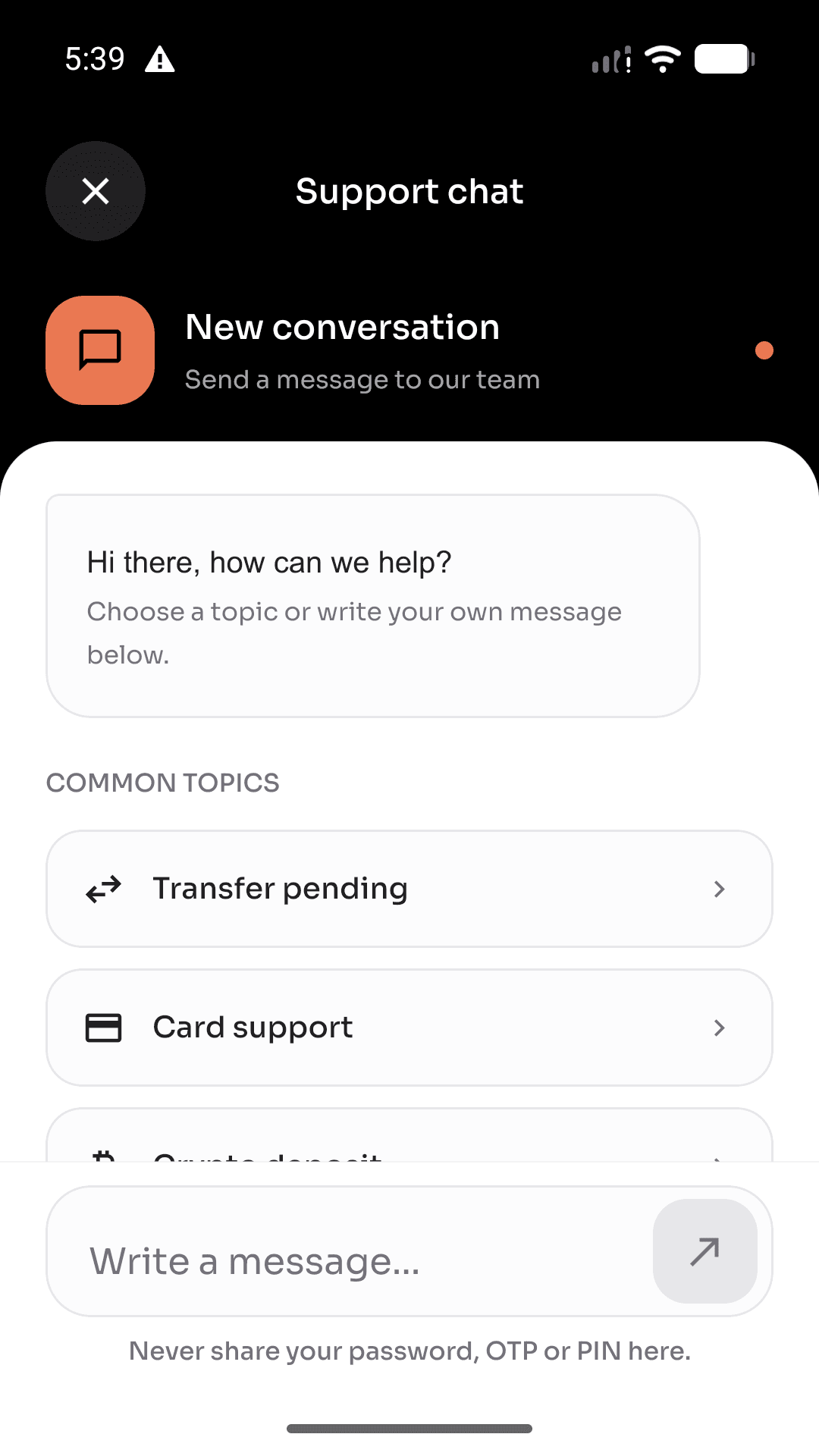
Want to ask something else? The Help centre and our support team are easy to reach.
Browse the Help centreXpanda brings together money transfers, bill payments, crypto rates and trading flows, gift cards, travel data and in-app support. What you can use depends on your verification level and the availability of each service.
You can create an account first. Some money and asset features require identity verification before they become available. The app explains the steps and shows your current verification level.
The app shows the relevant amount, recipient, rate or service details for you to review before you complete a supported transaction. Rates and fees can change, so always check the final confirmation screen.
Open Activity in the app to see your transactions. Select an item to view the available details and receipt for that transaction.
Open Support in the app to start a conversation or return to an existing one. You can also visit the Help centre on this website or email support@xpanda.app.
One place for the everyday moves and the bigger plans ahead. Explore what Xpanda can do, and reach out if you need a hand getting started.
App Store and Google Play availability will be announced when the listings are live.